
sh
lfg                # launch TUI
lfg --theme=dracula
lfg apply barebones                # headless install of one bundle
lfg backup                         # snapshot dotfiles + configs
lfg --config ./my-preset.toml      # load custom bundles
--dry-run (or -n) walks every flow without exec'ing anything. Theme persists in ~/.config/lfg/state.json.
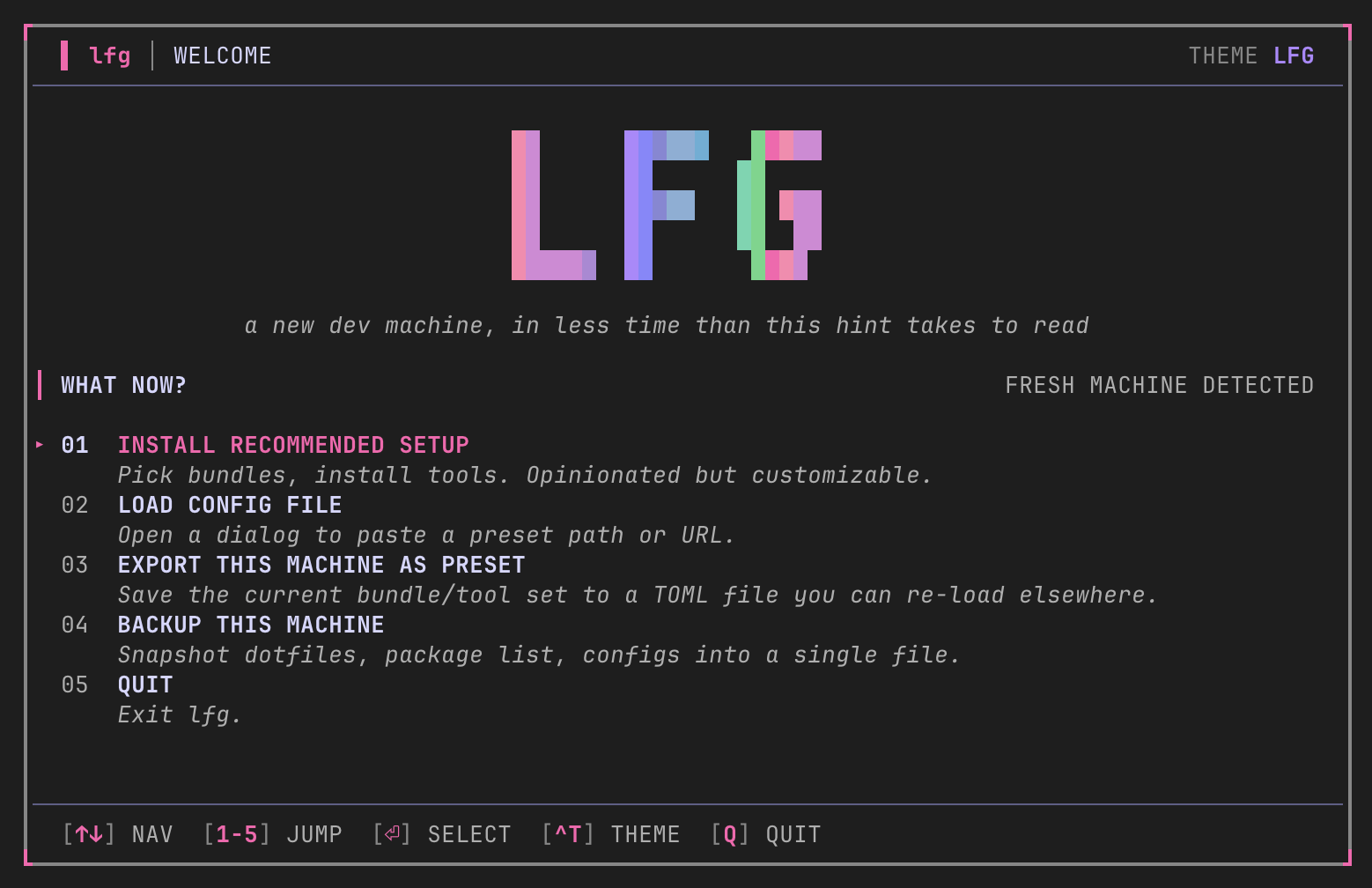
The TUI flow
- Welcome — pick install or backup. Logo gradient sweeps live.
- Tree picker — expand a bundle (
→), toggle individual tools (space), or toggle a whole bundle.atoggles everything;iopens a tool info card. - Confirm — summary of total to install, already present, source breakdown (brew · mise · npm · curl · skills).
- Progress — gradient bar, spinner, per-task log tail, elapsed timer.
- Done — reload-shell command + next-steps card.
Backup flow
Welcome → Backup → encrypt y/n → spinner → .tar (or .tar.age) result with key-backup reminder. Press q for quit-confirm, Ctrl+T to cycle theme.
Headless usage
If you already know which bundles you want, skip the TUI:
sh
lfg apply barebones ai-harnesses  # multiple bundles, no prompts
lfg apply terminal-essentials     # zoxide, ripgrep, tmux, …
lfg apply -n barebones            # print what it would run
lfg apply returns non-zero on installer failure, suitable for CI or provisioning scripts.