
Feel back at home, in minutes.
Pick the essentials. Install the clankers. Install the skills. All within minutes — not hours.
Pick the essentials. Install the clankers. Install the skills. All within minutes — not hours.
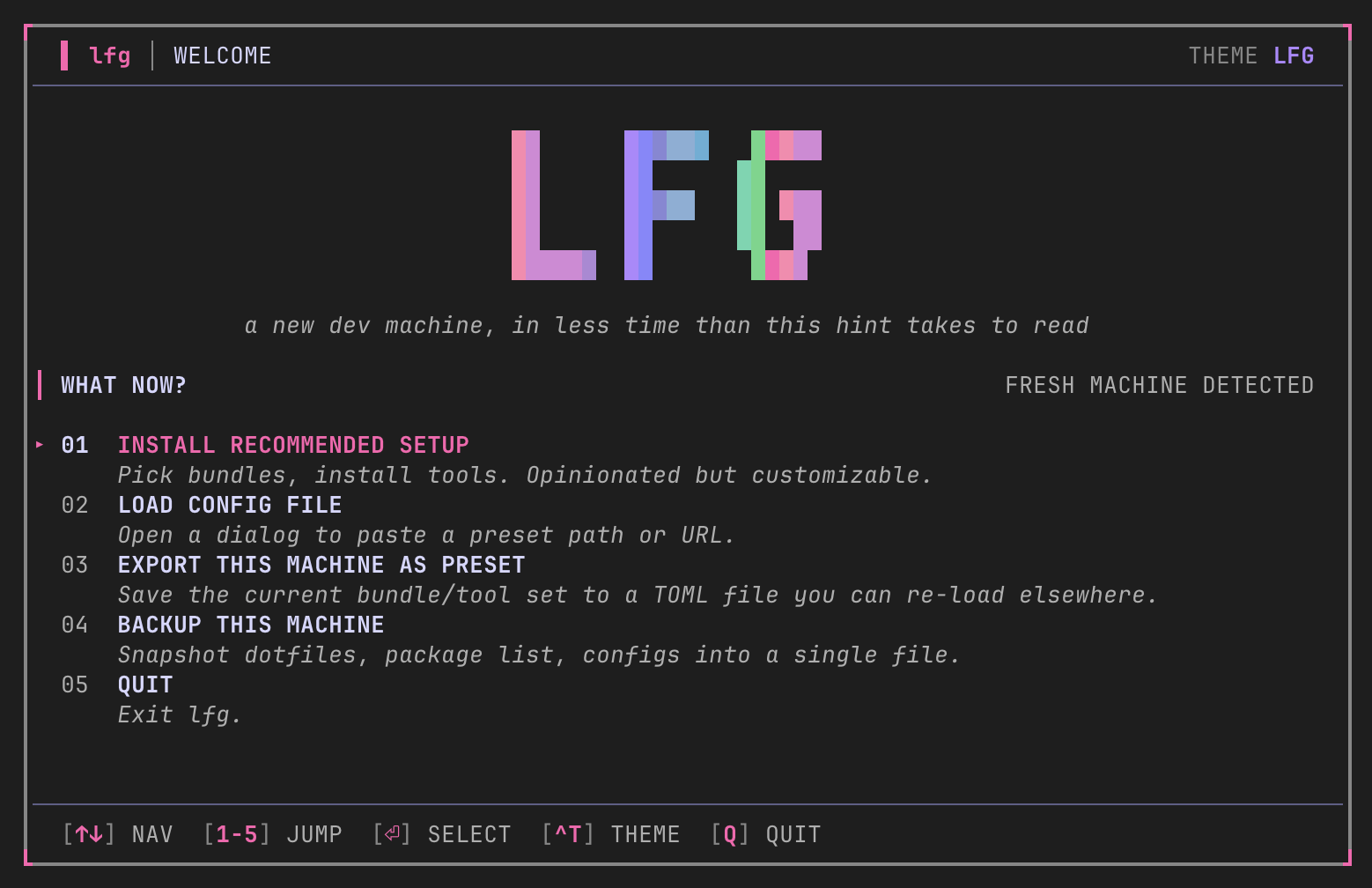
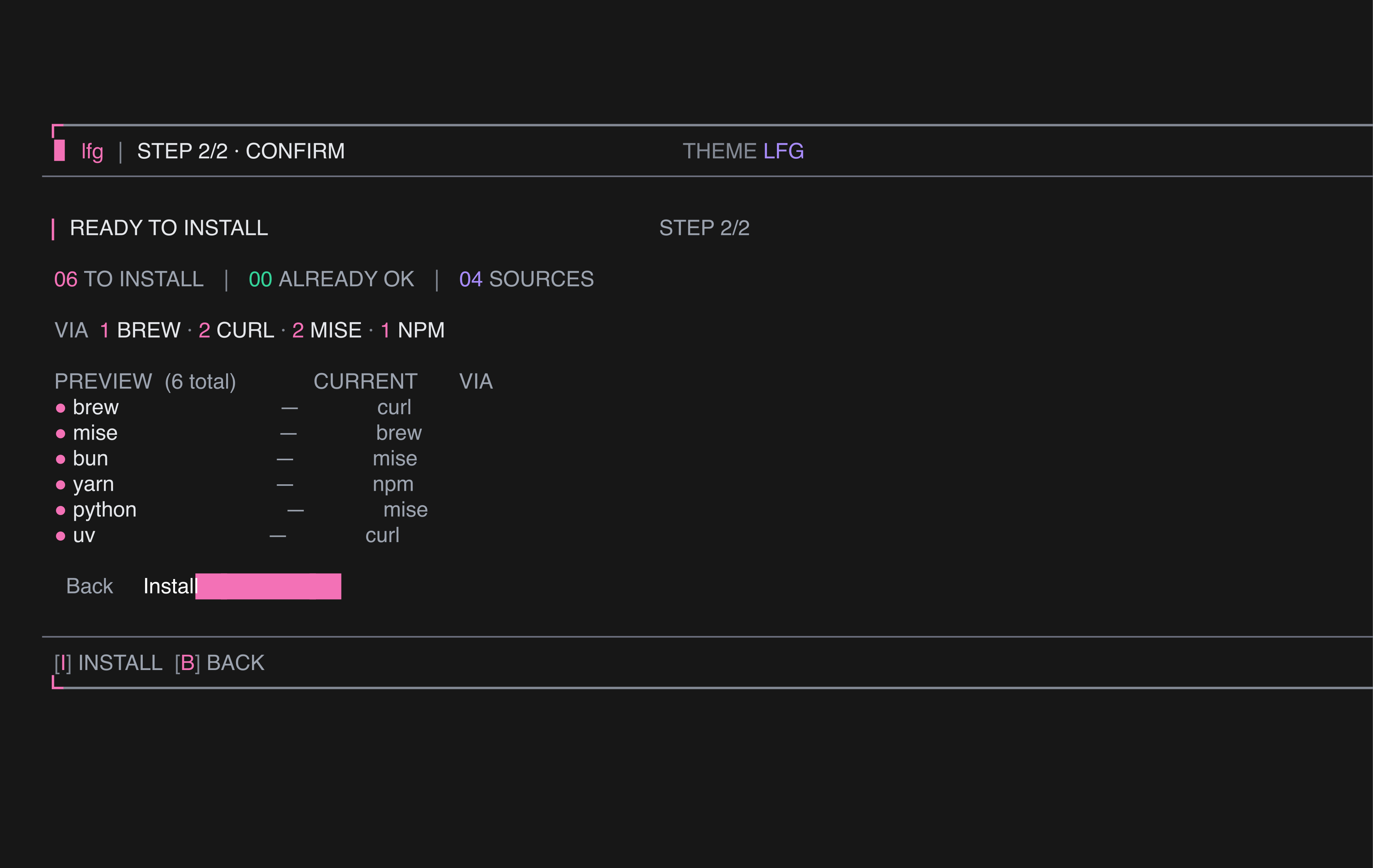
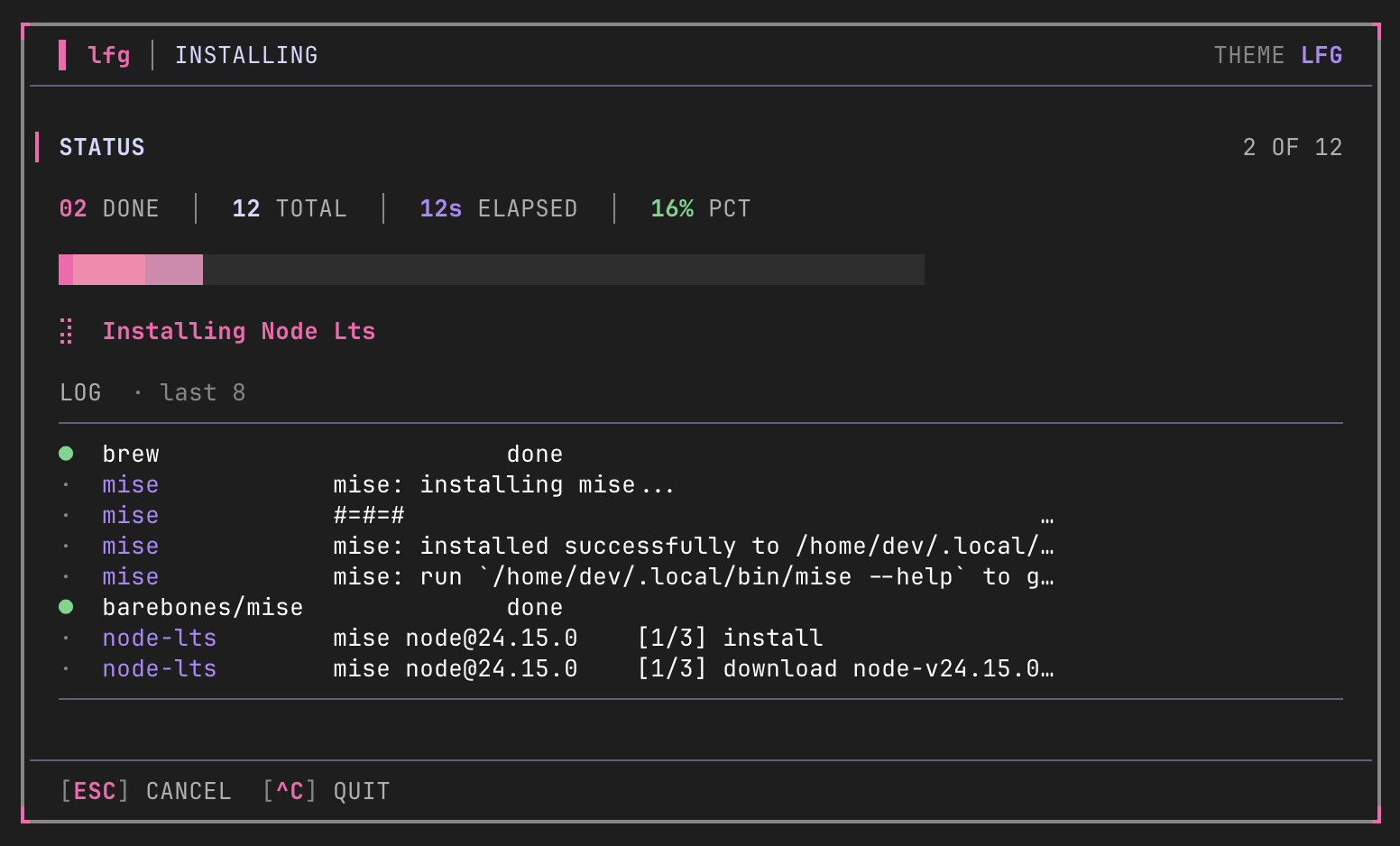
$ brew install ptmaroct/tap/lfg
$ lfg
macOS + Linux · via the official tap
That's it. Pick what you want. lfg installs it. Full install guide →
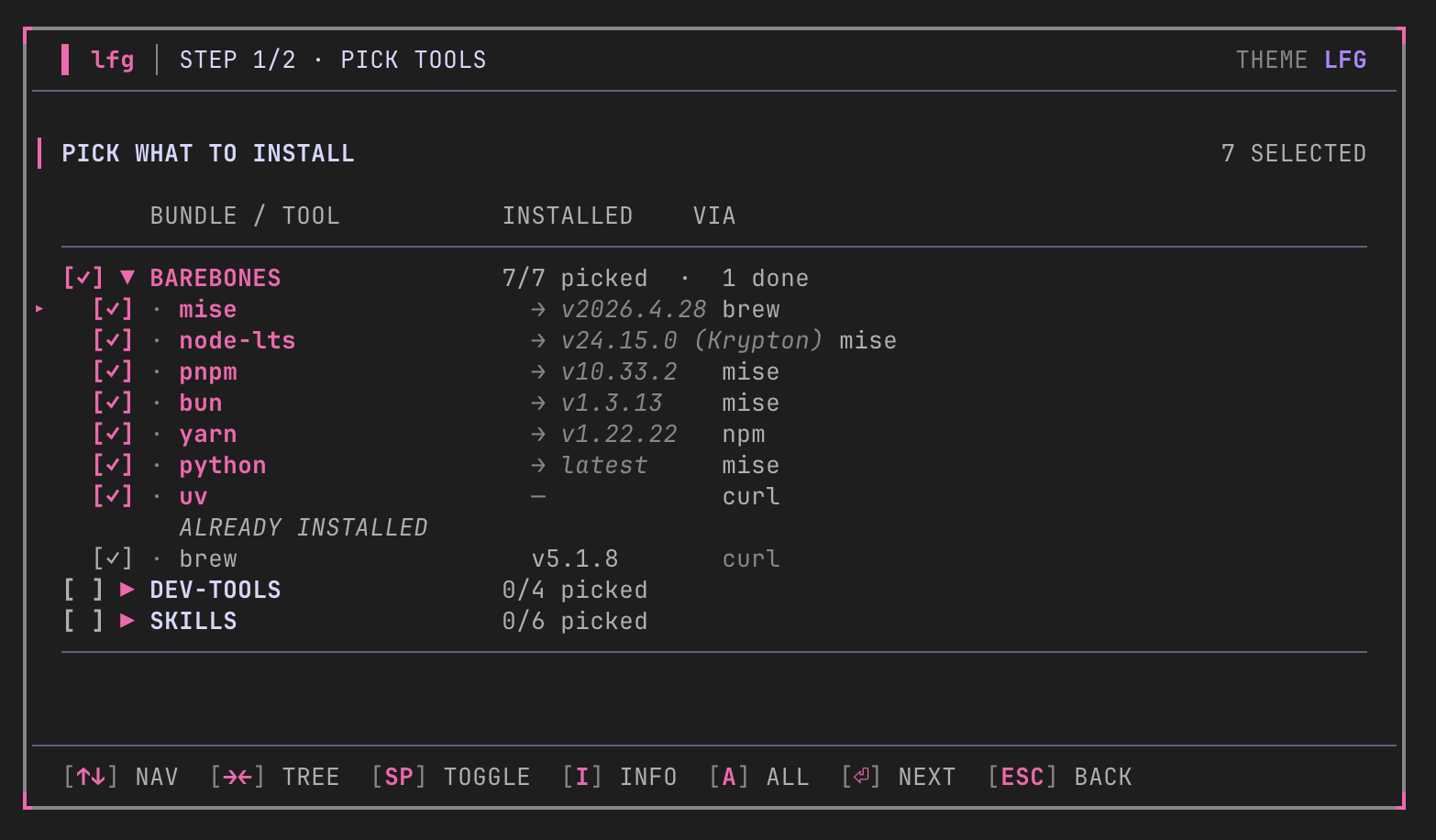
Brew, Node, Python, runtime managers. Anything already on your box is flagged with its current version so you don't reinstall it. Tick what you want, leave the rest.
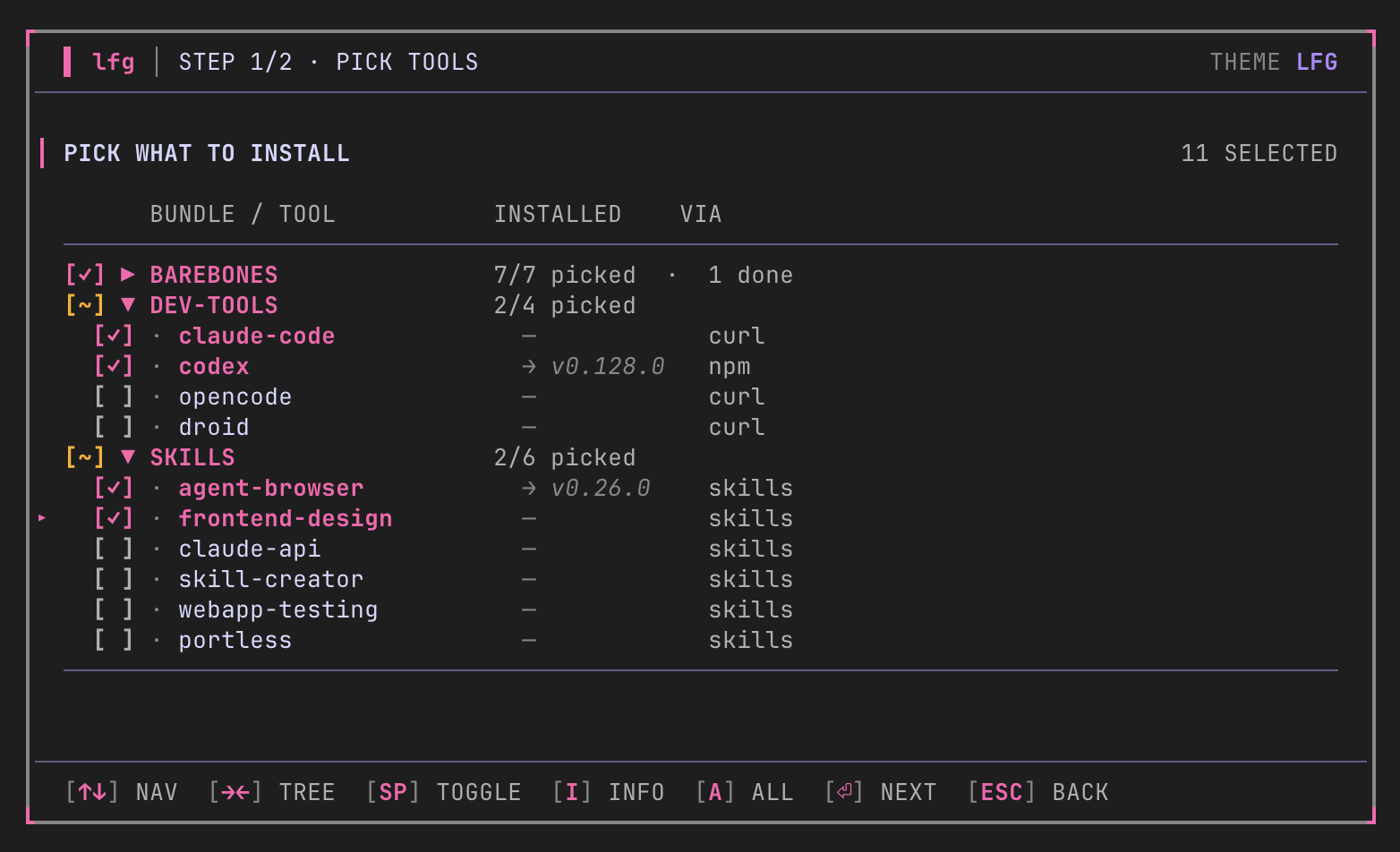
Claude Code, Codex, OpenCode, Droid. One picker, every coding agent. Click the boxes; lfg handles the install, the PATH, and the auth nudges.
Cross-harness skills install via npx skills add and land in every agent on your machine.
Author a preset.toml, host it anywhere (gist, S3, your own repo), and your team bootstraps with lfg --config <url>. Onboarding goes from a day to a coffee.
You know the drill. New laptop arrives — fast, blank, slightly hostile. An hour of brew install. Then mise, then node, then bun, then go. Hunt down dotfiles. Copy SSH config across. Tweak macOS preferences and forget two of them. By 7pm you've barely written a line of code.
lfg makes a new box feel like the old one. Pick the tools, hit go, walk away. When you're done, lfg backup snapshots everything for the next machine.