
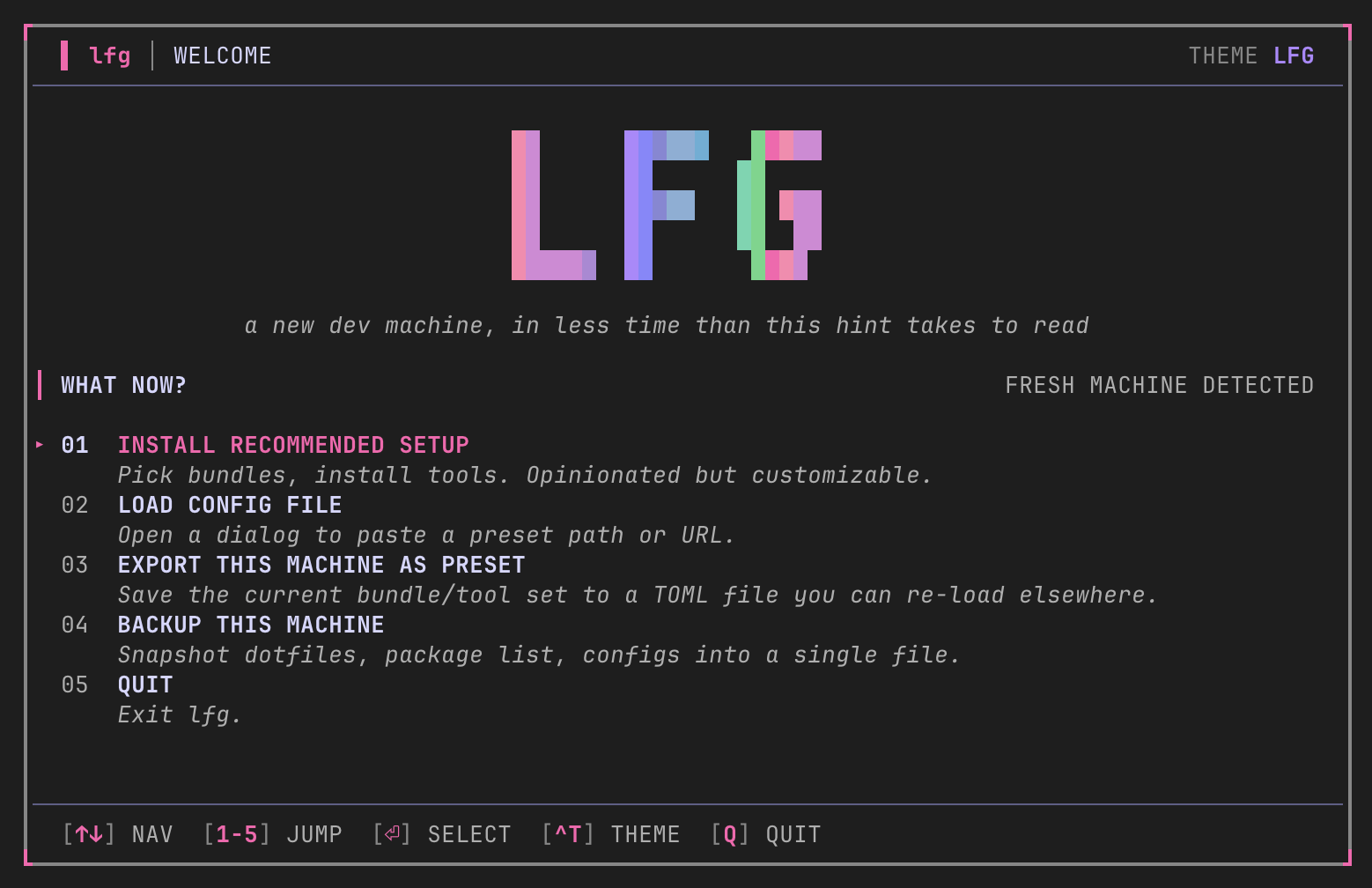
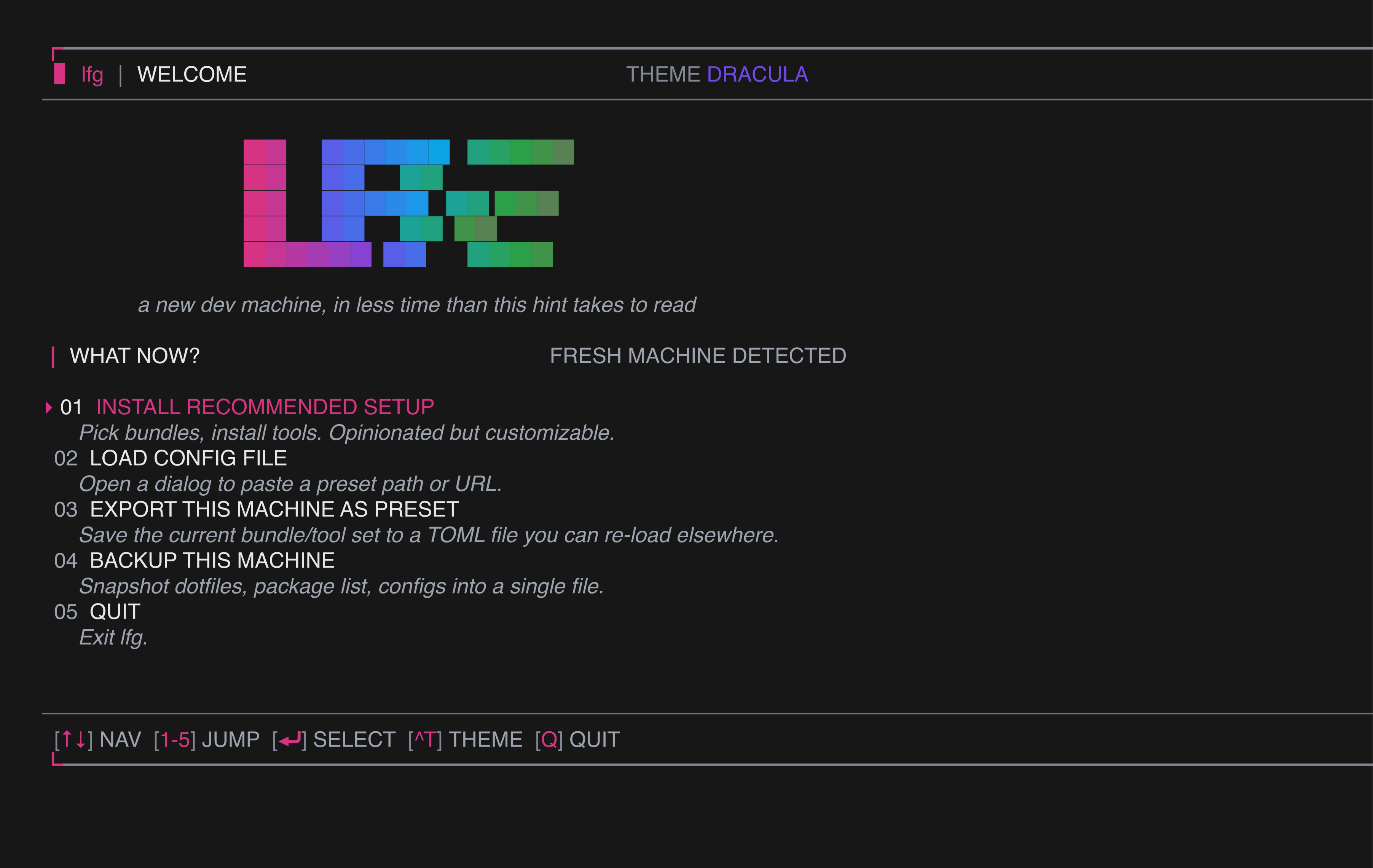
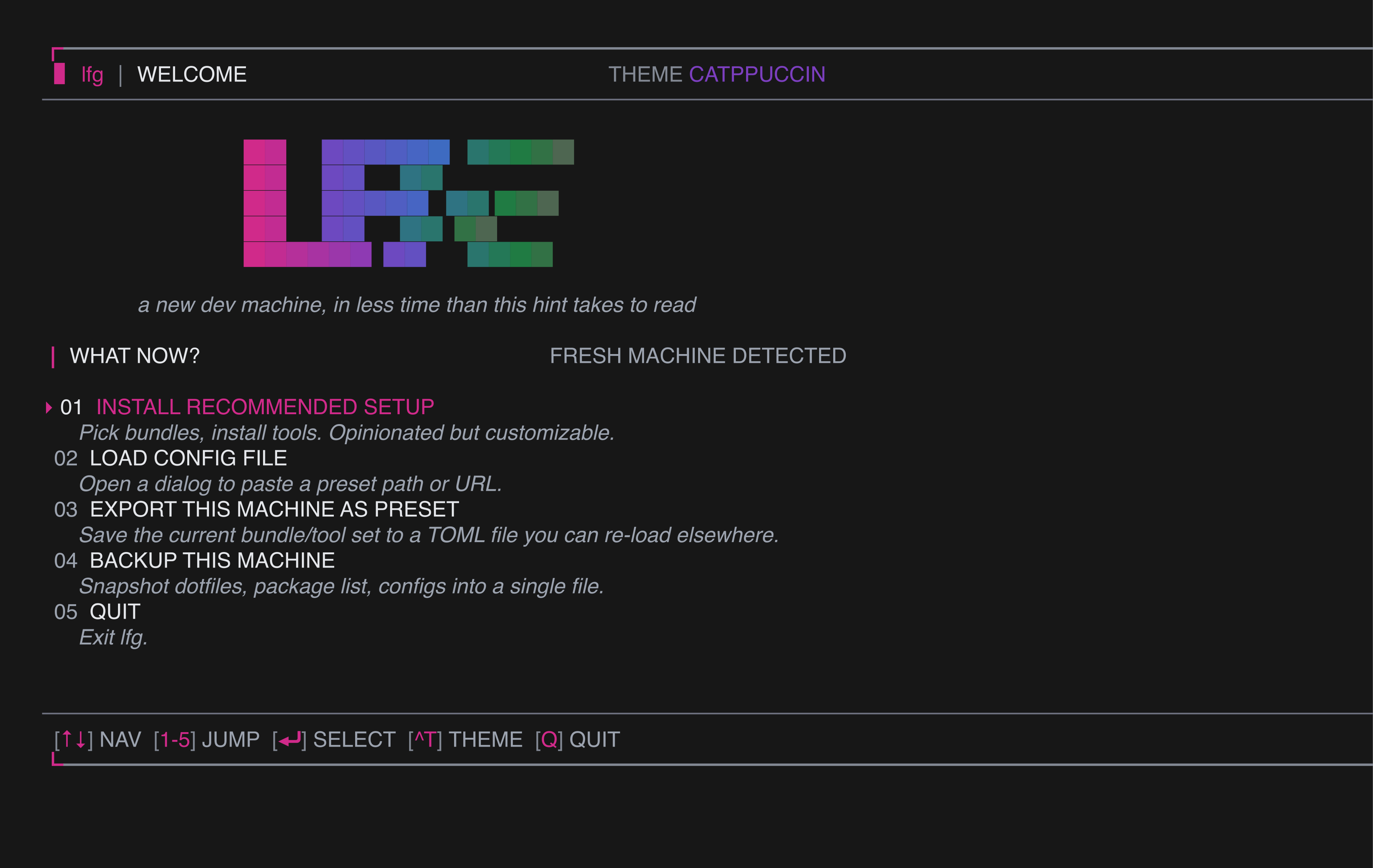
lfg ships four palettes. Pick one with --theme=<name> at launch, or cycle live with Ctrl+T. The active theme is shown top-right of every screen, and your choice persists in ~/.config/lfg/state.json.
| LFG (default) | Dracula | Catppuccin |
|---|---|---|
 |  |  |
Built-in palettes
| Name | Vibe | Accent stops |
|---|---|---|
lfg (default) | brand — pink → violet → emerald gradient | Tailwind -400 for AA contrast on near-black terminals |
dracula | the classic dark | matches draculatheme.com |
catppuccin | warm pastels | Mocha variant |
colorblind | IBM blue / orange / magenta | designed for deuteranopia / protanopia |
lfg --theme=dracula
lfg --theme=catppuccin
lfg --theme=colorblind
Live cycle
Press Ctrl+T from any screen to rotate through the palettes. The TUI re-renders in place; nothing else changes. The new selection is written to state on the next idle tick, so your next launch picks up where you left off.
Why -400 accents
The default lfg palette intentionally targets the Tailwind -400 stops (pink-400 / violet-400 / emerald-400). The earlier -500 / -600 versions only scored ~3:1 contrast against near-black terminals — small 01 digits and ▸ cursor glyphs at body weight came out near-invisible. -400 lands at ~5:1 against black while still readable on white.
Adding a theme
If you want a new palette in the binary itself:
- Add a case to
PaletteForininternal/tui/theme.go. - Add the name to the
validateThemeswitch ininternal/cli/root.go. - Add it to the welcome theme loop in
internal/tui/screens_test.goso it gets snapshot coverage. - Run
make snap-updateto generate goldens.
PR welcome — accessibility palettes especially.